
Fellow creatives, content creators, and digital entrepreneurs, are you tired of spending countless hours trying to craft eye-catching visuals for your online presence? Do you dream of professional-looking graphics without the need for complex design software or a hefty budget? If so, then get ready, because you’re about to discover a tool that will revolutionize your creative workflow.
Transform Your Visual Content: 5 Stunning Graphics You Can Make in Under 5 Minutes with PicMonkey
Creating engaging visual content is no longer an option; it’s a necessity for standing out in today’s crowded digital landscape. From compelling social media posts to click-worthy blog headers and captivating newsletter banners, high-quality graphics are the backbone of effective online communication. But for many, the thought of graphic design brings to mind expensive software, steep learning curves, and a significant time commitment. What if I told you there’s a powerful, intuitive platform that allows you to design professional visuals in minutes, even if you have zero prior design experience?
My recent deep dive into the world of PicMonkey has completely reshaped my approach to content creation, turning me into an enthusiastic advocate for this incredibly user-friendly tool. I’ve discovered firsthand how easy it is to produce stunning visuals that not only look great but also drive engagement and help grow your audience. And no, this isn’t an exaggeration; you can genuinely create impressive graphics in less time than it takes to brew a cup of coffee.
Why Visual Content is Non-Negotiable for Growth
In a world saturated with information, visual content acts as a critical filter, helping your message cut through the noise. Studies consistently show that content with relevant images gets significantly more views and shares than text-only content. Visuals capture attention, convey complex ideas quickly, evoke emotion, and build brand recognition. Whether you’re a blogger aiming to increase readership, a small business owner promoting products, or a social media manager boosting engagement, compelling graphics are your secret weapon.
However, the challenge often lies in the execution. Many creators struggle with the technicalities of design, the time constraints, or the financial investment required for professional tools or designers. This is where a platform like PicMonkey shines, democratizing graphic design and putting professional-grade tools into the hands of anyone who wants to create.
Unlocking PicMonkey’s Power: Design Made Simple
The beauty of PicMonkey lies in its simplicity and robust feature set. You don’t need to be a design guru to use it; if you can type and navigate with a mouse, you’re more than qualified to create beautiful images. Here’s what makes it an indispensable tool for content creators:
Intuitive Interface and Ready-Made Templates
Forget the intimidating dashboards of complex design software. PicMonkey boasts a clean, easy-to-understand interface that guides you through the design process. Moreover, it comes pre-loaded with an extensive library of professional templates for virtually every social media platform, marketing collateral, and web graphic you can imagine. These templates aren’t just pretty; they’re also optimally sized for sharing across different platforms, saving you the headache of resizing and cropping.
Seamless Cloud Storage and Accessibility (The Hub)
One of PicMonkey’s standout features is its integrated cloud storage system, affectionately known as the “Hub.” Every project you work on automatically saves to your Hub, meaning your designs are always accessible from any device – your desktop, laptop, or even your phone via the PicMonkey app. This eliminates the fear of losing your work and provides incredible flexibility for on-the-go editing and collaboration.
Brand Consistency with Custom Elements
Establishing a strong brand identity is crucial, and PicMonkey makes it effortless. You can upload your own images, logos, and custom brand colors directly into the platform. This ensures that every graphic you create aligns perfectly with your brand’s aesthetic, fostering recognition and trust among your audience. No more off-brand visuals or struggling to match hex codes – PicMonkey keeps your brand consistent.
Empowering Team Collaboration
For teams, PicMonkey transforms graphic design into a streamlined, collaborative effort. Imagine creating a “master template” for your blog’s featured images or social media banners. Members of your team can then log in, make a copy of this template, easily upload new photos and text, and generate fresh content while maintaining a consistent brand look. This functionality is a game-changer for maintaining a cohesive visual presence across all your channels, ensuring everyone stays on brand with minimal effort.
To provide you with the best visual understanding of how these powerful features come together, here’s a quick video demonstration on designing images:
5 Graphics You Can Master in Minutes with PicMonkey to Skyrocket Your Engagement
Now, let’s dive into the practical application and explore five specific graphic types that are essential for growing your online following, all made simple with PicMonkey.
1. Pinterest Long Pins: Drive Traffic & Boost Discoverability
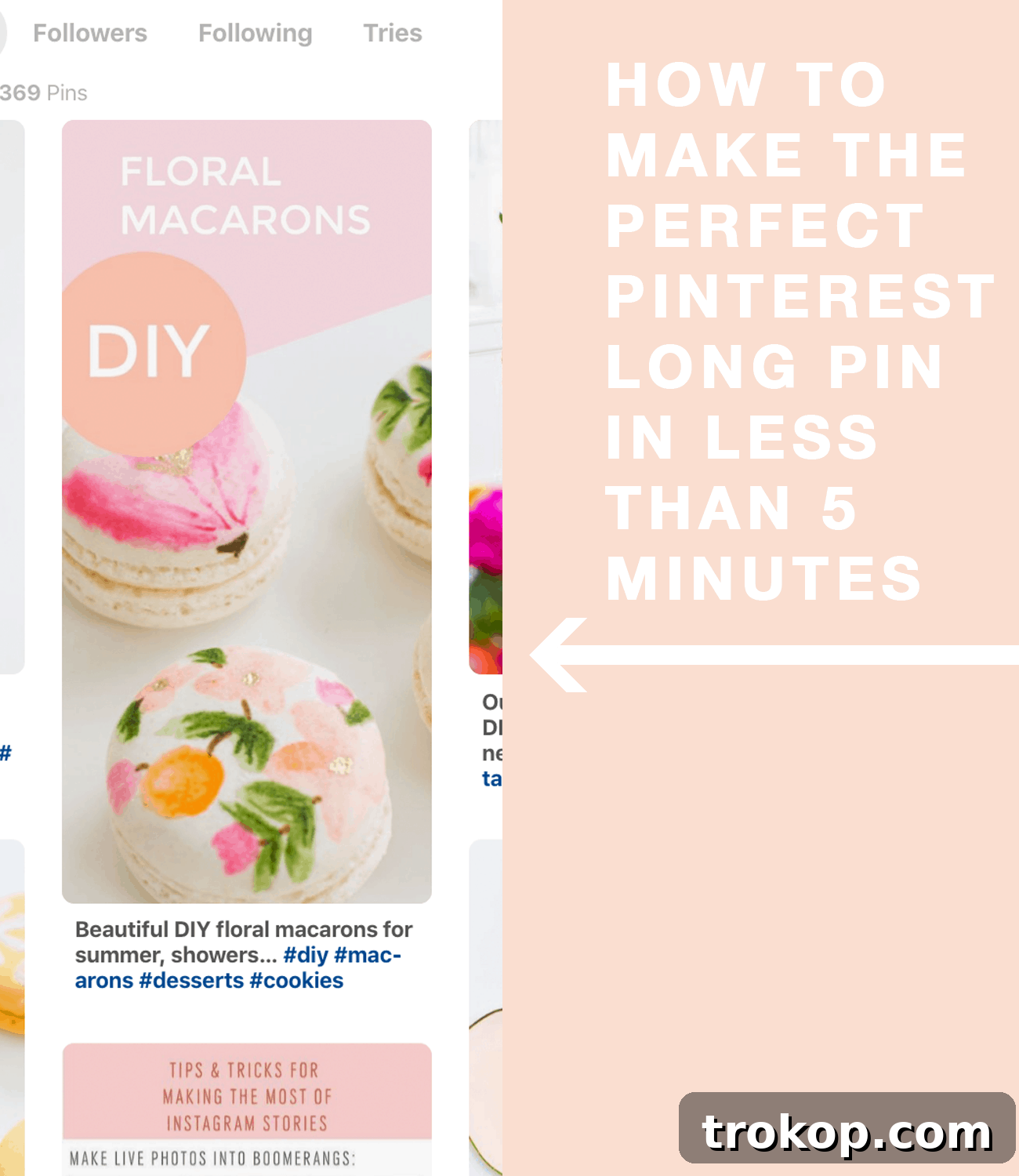
Pinterest is a visual search engine, and long, vertical pins consistently outperform shorter ones in terms of visibility and engagement. They offer more real estate to convey your message and stand out in a user’s feed. With PicMonkey, creating these high-impact pins is incredibly easy.
- Why it matters: Long pins are optimized for Pinterest’s algorithm, increasing your chances of being discovered. They provide space for compelling titles, descriptive text, and stunning imagery that captures attention and drives traffic back to your website or blog.
- How PicMonkey helps: Use the dedicated Pinterest templates, which are already perfectly sized for maximum impact. You can customize them with your own photos, brand colors, fonts, and call-to-action overlays. Experiment with collages, infographics, or captivating lifestyle images to create pins that truly convert.
2. Custom Newsletter Images: Enhance Engagement & Professionalism
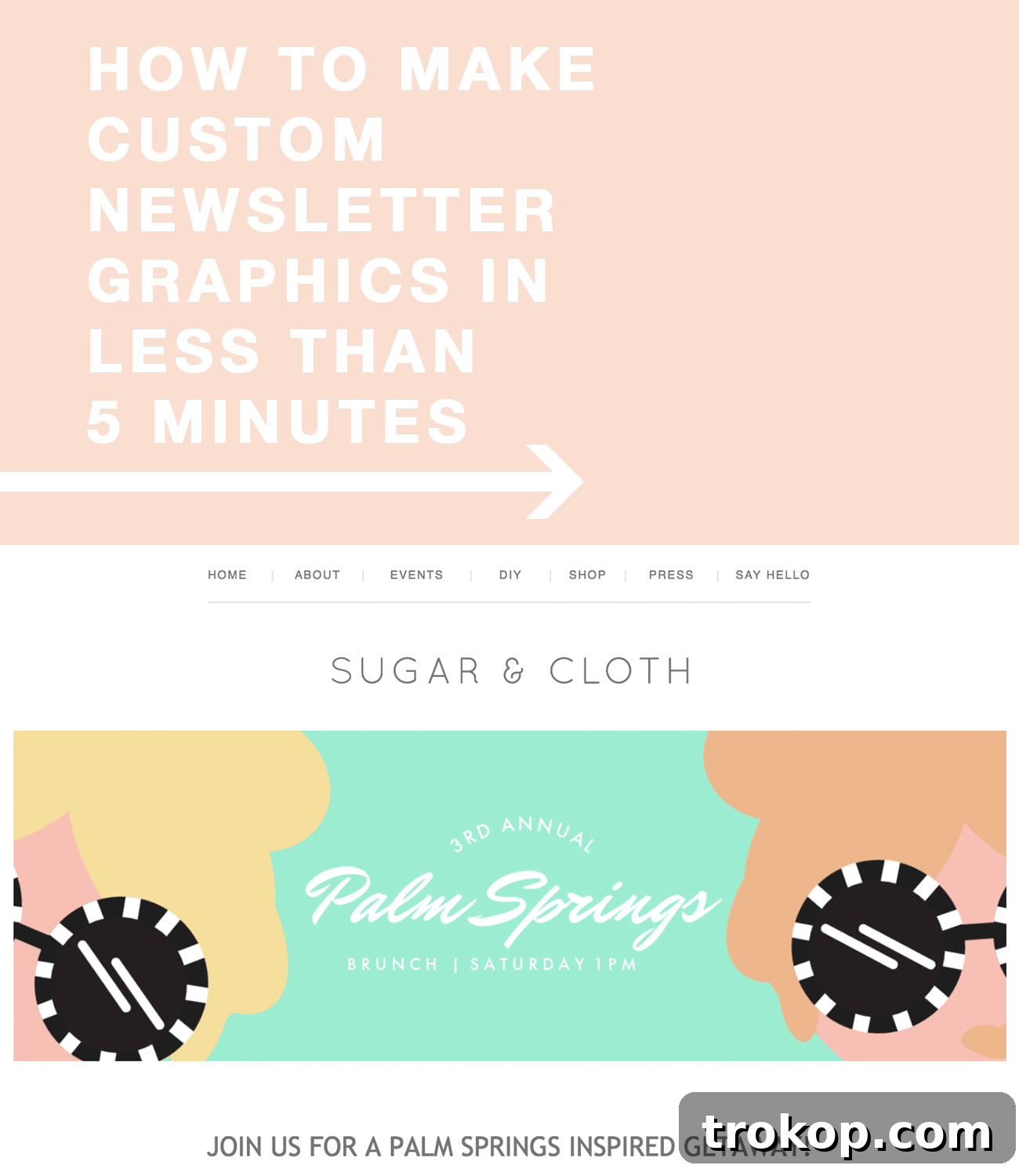
Email marketing remains one of the most effective ways to connect with your audience. However, a plain text newsletter can often feel dry and uninviting. Incorporating custom images makes your newsletters more visually appealing, easier to digest, and significantly more engaging.
- Why it matters: Visuals break up text, highlight key information, and create a more enjoyable reading experience. Custom images reinforce your brand, showcase new products, promote blog posts, or announce special offers in a visually compelling way, boosting open rates and click-throughs.
- How PicMonkey helps: Don’t waste time designing from scratch each week. Utilize PicMonkey’s pre-made graphics and easily adapt them with your custom colors, images, and text. Create headers, section dividers, or product spotlights that are always on-brand and professional, saving you precious time usually spent on content curation and proofreading.
3. Social Media Cover Photos: Make a Powerful First Impression
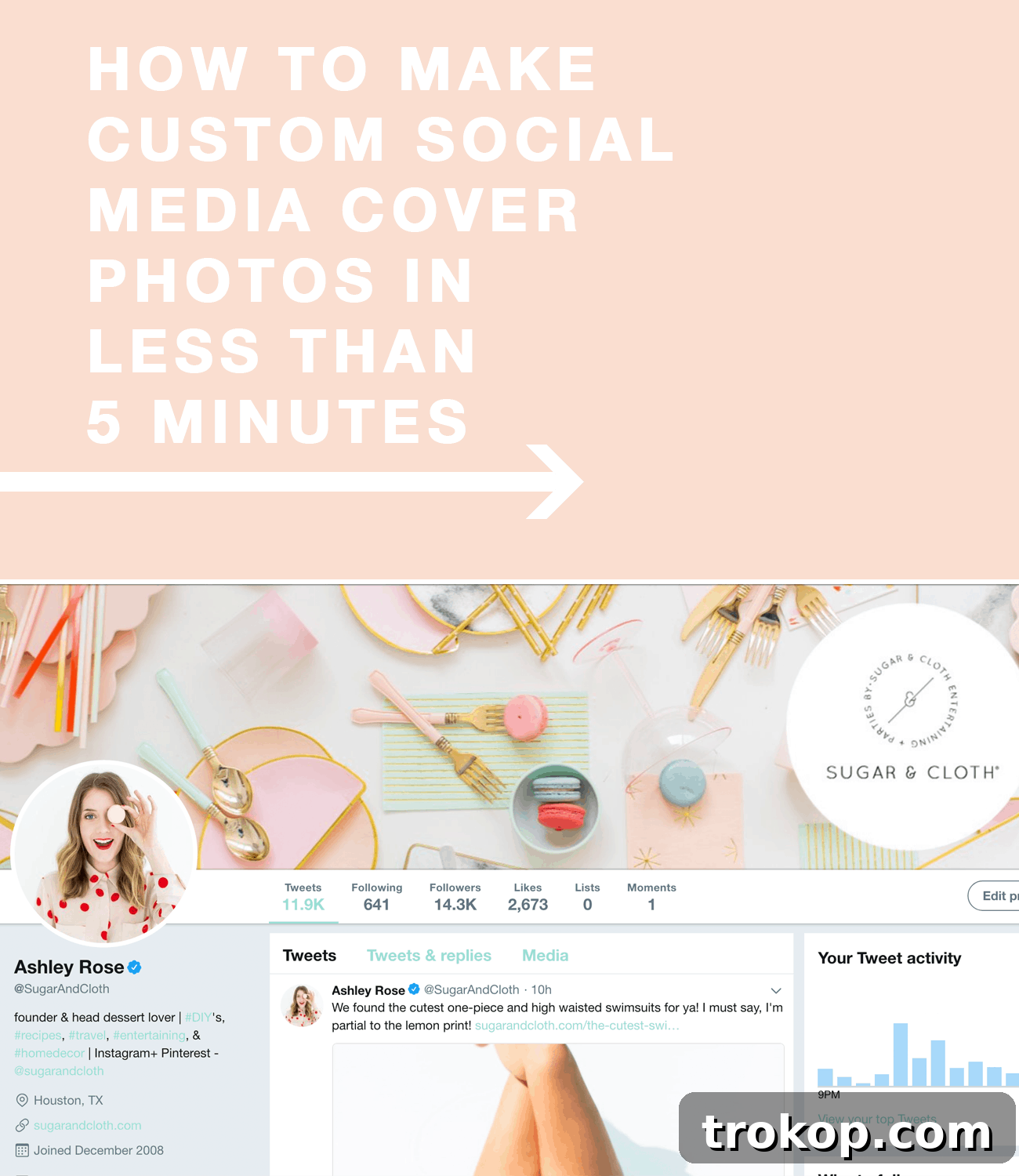
Your social media cover photos are often the first thing people see when they land on your profile. They are prime real estate for conveying your brand’s personality, promoting current campaigns, or simply showcasing a beautiful aesthetic. An outdated or poorly designed cover photo can significantly diminish your online presence.
- Why it matters: A professional and current cover photo instantly communicates credibility and brand identity. It’s a powerful branding opportunity that can inform visitors about your latest offerings, events, or core message. Consistent, high-quality cover photos across all platforms demonstrate attention to detail and professionalism.
- How PicMonkey helps: PicMonkey provides blank templates already perfectly sized for various social media channels like Facebook, LinkedIn, Twitter, and YouTube. This eliminates the frustration of incorrect dimensions and awkward cropping. Easily update your cover photos with seasonal themes, new product launches, or refreshed branding in just a few clicks, ensuring your profiles always look their best.
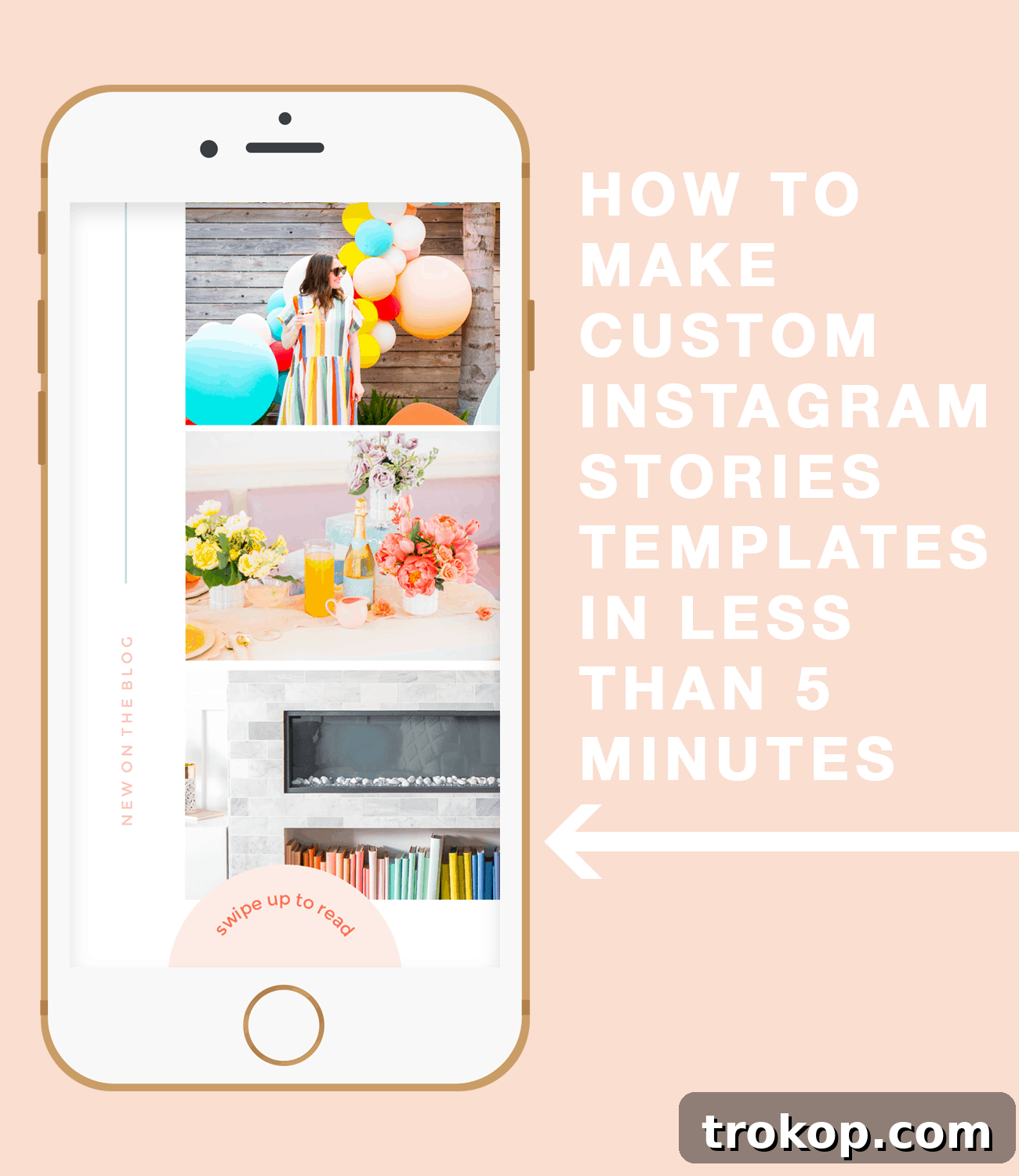
4. Engaging Instagram Stories: Boost Interaction & Visibility
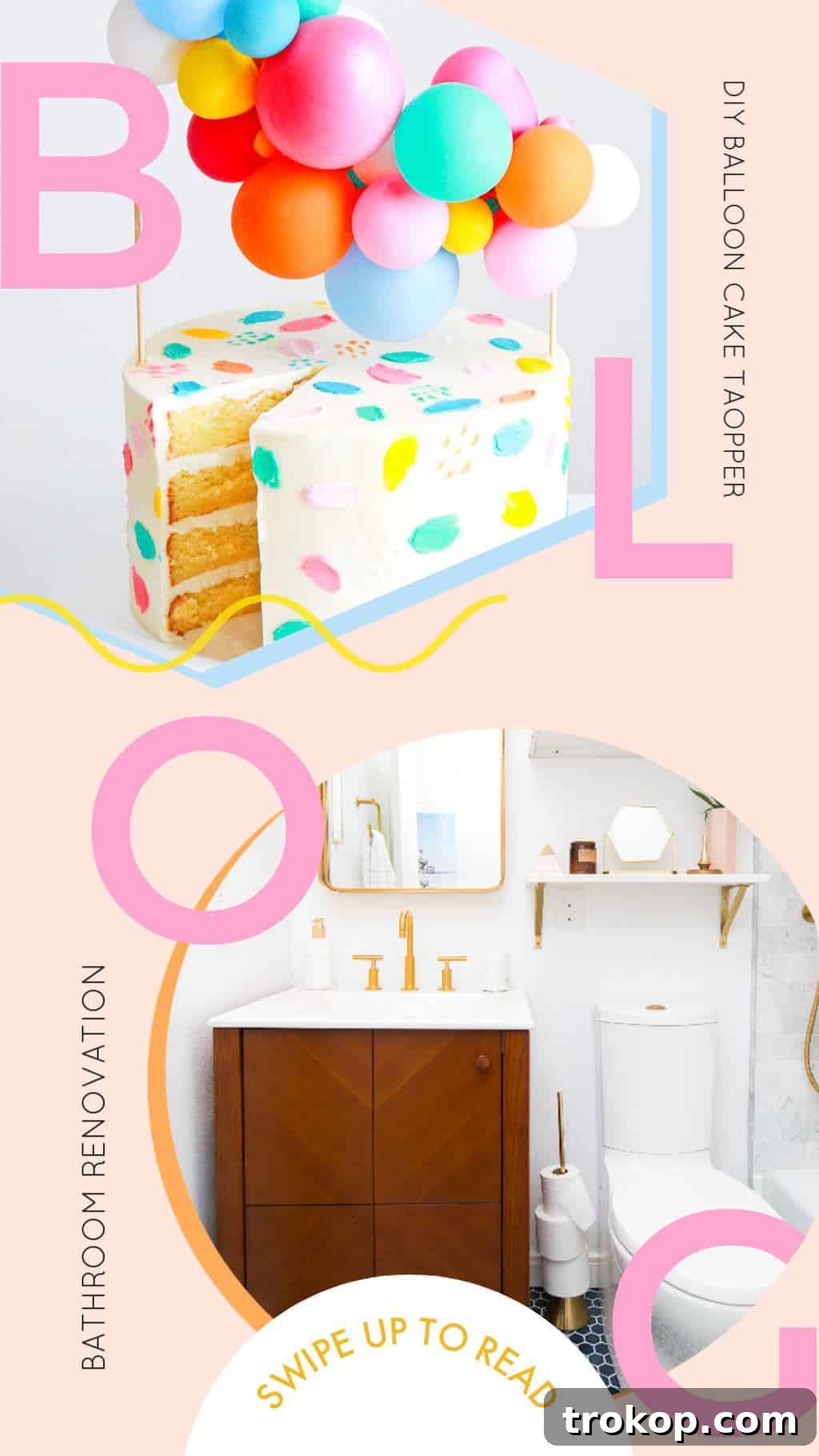
Instagram Stories are a dynamic way to engage with your audience in real-time, offering a casual yet powerful platform for sharing updates, behind-the-scenes content, and direct calls to action (like the coveted “swipe up” link). To truly stand out, your stories need to be visually captivating.
- Why it matters: Stories are highly engaging and offer unique interactive features like polls, Q&As, and product stickers. Visually appealing and branded stories capture attention in the feed, encourage taps, and drive traffic to your links, whether promoting a new blog post, product, or affiliate offering.
- How PicMonkey helps: PicMonkey offers a fantastic “cheat sheet” for Instagram Stories. Use their custom templates to create branded “swipe up” designs or engaging informational slides quickly. Add your brand colors, fonts, relevant images, and even fun stickers or graphic elements to make your stories pop. This convenience allows you to maintain a consistent aesthetic without sacrificing spontaneity.
5. Professional Sidebar Graphics: Optimize Your Website’s User Experience
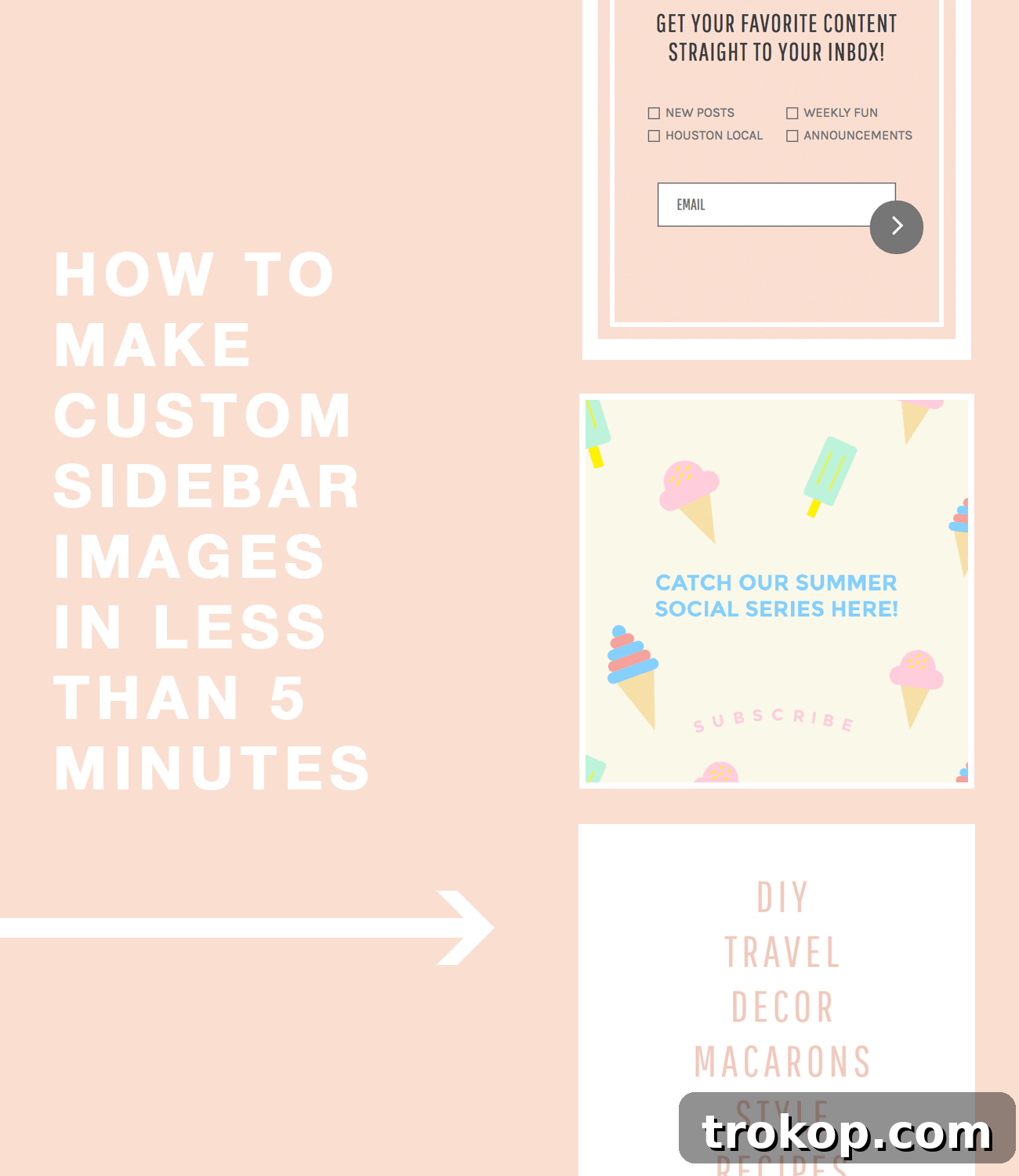
Your website’s sidebar is a valuable piece of digital real estate, often used for calls to action, showcasing popular posts, promoting lead magnets, or directing users to key sections. Well-designed sidebar graphics can significantly enhance user experience and drive conversions.
- Why it matters: Custom sidebar graphics provide visual cues that guide visitors through your site, encouraging them to subscribe, shop, or explore more content. They elevate the overall professional look of your website, making it appear polished and trustworthy, far superior to hastily put-together designs.
- How PicMonkey helps: Instead of struggling with DIY designs that look amateurish, leverage PicMonkey’s professionally designed templates. Customize them to fit your specific needs – whether it’s an “About Me” section, a “Shop Now” button, or an email signup prompt. This ensures your website’s supplementary content is as refined and effective as your main content, without the need for a professional web designer.
The PicMonkey Advantage: Unleash Your Creative Potential
The examples above are just a glimpse of what’s possible. PicMonkey empowers bloggers, small business owners, marketers, and everyday creatives to produce high-quality visual content quickly and effortlessly. It removes the barriers of design complexity and cost, allowing you to focus on your message and connect more effectively with your audience. Its combination of an intuitive interface, vast template library, powerful customization options, and seamless cloud collaboration makes it an unparalleled tool for anyone looking to elevate their digital presence.
Ready to experience the magic for yourself? PicMonkey is currently offering an incredible deal: sign up within 48 hours of this post going live and get three months absolutely free! It’s an opportunity you won’t want to miss to transform your content creation process.
Want to see a little more behind the scenes? Here’s a quick clip from our visit to the PicMonkey Headquarters in Seattle:
I’ll be sharing even more valuable tips and tricks for maximizing PicMonkey’s potential in the coming weeks, so stay tuned! If you have any specific questions or design challenges you’d like to see addressed, please let me know in the comments below.
A huge thank you to PicMonkey for partnering with us on this insightful post. As part of our commitment, Sugar & Cloth is proud to donate 5% of all sponsored campaign proceeds to charity. You can read more about our initiative here.
Ready to start creating stunning visuals effortlessly? Click here to claim your exclusive PicMonkey offer and elevate your brand today!
Get 3 Months Free with PicMonkey!